
Screensie
Remote support buyer's guide

Choose a remote-support tool around your workflow.

Pricing models, endpoint limits, background tools and infrastructure requirements produce very different results. Use these independent guides to decide what deserves a hands-on trial.
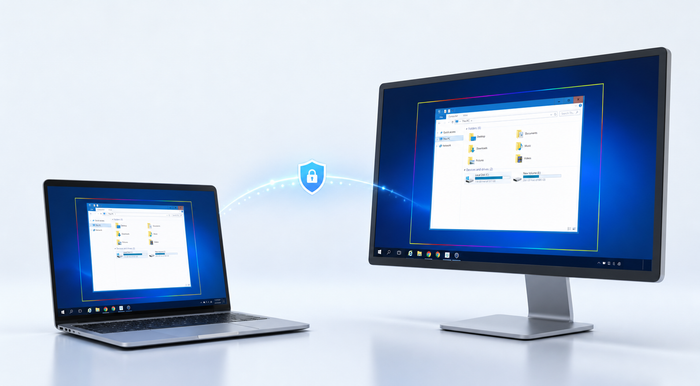
Secure connection between a support laptop and remote desktop

Questions worth asking.

What consumes a license?Technicians, concurrent sessions, support PCs or every managed endpoint produce very different bills.
Which tools are tiered?Check whether background administration, browser access, recording or unattended access requires another plan.
What networks must work?Test LAN, WAN, VPN, NAT, proxy, firewall, multi-monitor and high-resolution scenarios with your own hardware.
Can you leave cleanly?Review renewal, cancellation, data removal and uninstall procedures before committing.

Individual alternative guides.

Each page focuses on a distinct deployment or support model rather than presenting a copied feature table.

AnyDesk alternativeSmall-business workflow, unattended endpoints and background administration.

All third-party product and company names are trademarks of their respective owners. Screensie is independent and is not affiliated with, sponsored by, or endorsed by those companies. These guides do not claim feature-for-feature equivalence; verify current pricing, capabilities and terms with each publisher.