 Screensie
For independent technicians and repair shops
Remote support built for computer repair shops.
Screensie is remote support software for repair shops that need to connect to customer PCs and diagnose problems between visits. Keep every customer's PC in your connection list without paying for every customer PC. License the shop computers that connect out, then organize customer devices into searchable groups for quick return visits.
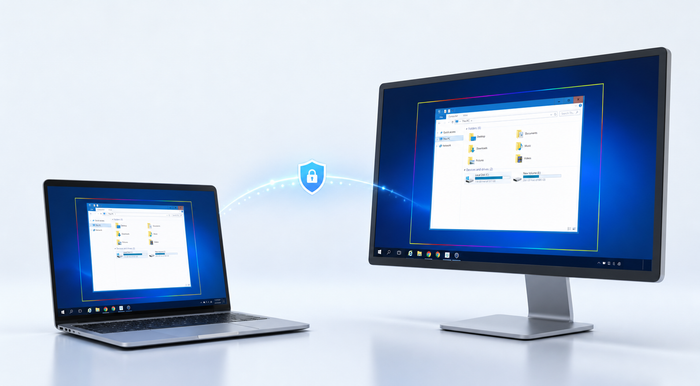
Customer PCs are freewith an active outbound seat
Background toolswork without taking over the display
Fast deploymentcustom batch installer and group assignment
Quick Linkstemporary browser-based access
From first call to follow-up support.
Technician Command CenterRepair WindowsRun DISM RestoreHealth and SFC /scannow as one ordered operation with progress and results. Network ResetFlush DNS, renew DHCP and reset Winsock with a warning that the connection may drop. Performance CheckCapture CPU, RAM, disk and top-process data in one focused snapshot. CleanupClear temporary files older than 24 hours and the Recycle Bin while leaving recent and locked files alone. Services and softwareRestart Print Spooler, control Windows services and launch registered silent uninstallers. Confirmed consolesRun one time-limited CMD or PowerShell command and return bounded output to the technician. Hardware and WindowsReview edition, build, install date, pending reboot, storage, displays, adapters, drivers and identifiers. Files, users and SQLTransfer files, manage local users, grant administrator access and run guarded Microsoft SQL queries. Repair and recoveryRun CHKDSK, reset Windows Update or request a one-time Safe Mode with Networking reboot.
Fix common problems without interrupting the customer.
Command Center uses authenticated, allow-listed operations and explicit confirmation for changes. Read-only inventory and repair results return directly to your technician window.
Mass rollout
Put a PC in the right account and group during installation.
The Downloads page can build a complete batch file using the signed-in account email, a chosen group and a policy-compliant static password. The script downloads and verifies the current installer, installs silently and registers the PC.
- ✓Group creation includedThe destination group does not need to exist before rollout.
- ✓Current release verificationThe script validates the installer against the server release manifest.
- ✓Rotating or static accessUse random rotating credentials or an authorized static device password.
All features included
$10 monthly or $100 yearly for two outbound PCs.
No separate repair-shop edition and no higher-priced feature tier. Every active paid seat receives every currently available Screensie feature.